-
Working with Jon Thor Austen to set up our band website (again).
-
More AI fun and games
Now that I have my legacy CodeIgniter 2.1 environment set up, I was able to work with Claude.AI again today to do some problem solving with it. Today’s experiment was using some post controller hook based benchmark logging to diagnose a slow controller action.
I used Claude.AI to build a controller and view that summarized statistics for the benchmarking and share the results with the rest of the team. I knew enough of the shape of what I was looking for to get an index page with summary daily stats with an SVG graph and daily views with hourly stats. I had a few security concerns with how Claude.AI put this together, but through prompts and reading through code - was able to get something suitable for use in our environment.
-
Building a Legacy PHP Development Environment: PHP 5.3.28 + CodeIgniter 2.1.0 + SQL Server 2022
I decided to use Claude.AI to help me to get a project skeleton put in place that would allow me to work on a legacy CodeIgniter 2.1.0 project on PHP 5.3 using SQL Server 2022. Back in 2022 I was able to get a configuration of this up and running by hunting and pecking on the web and it took me the better part of a day and a half to get to that point. I figured that this might be a good task for Claude.AI to help with.
It turns out it was a good idea to work with Claude.AI - we were able to put a solution together in about 3 hours that should enable me to actually work on the project. After I get things tested and working I stored it in a Github repository and asked Claude.AI to write a summary of what was built. That summary follows.
The Challenge
Recently, I needed to set up a development environment for maintaining a legacy PHP application. The requirements were specific and somewhat challenging:
- PHP 5.3.28 (released in 2012, now EOL)
- CodeIgniter 2.1.0 (legacy framework version)
- SQL Server 2022 (modern database)
- Docker-based for easy deployment and consistency
- Volume mounts for live development without rebuilds
- macOS development with modern tooling (uv for Python)
The main challenge? Getting ancient PHP to talk to modern SQL Server, all while maintaining a smooth development workflow.
The Solution: Docker + FreeTDS + Volume Mounts
Architecture Overview
The final setup consists of two Docker containers:
- PHP Container: Ubuntu 14.04 with PHP 5.3.28, Apache2, and FreeTDS
- SQL Server Container: Microsoft SQL Server 2022
Key Technical Decisions
1. FreeTDS for Database Connectivity
Microsoft’s official SQL Server drivers (SQLSRV) require PHP 7.0+, so we used FreeTDS - an open-source implementation of the TDS protocol. The connection flow:
PHP Application → PDO → pdo_dblib → FreeTDS → TDS Protocol → SQL ServerFreeTDS bridges the 13-year gap between PHP 5.3 and SQL Server 2022 by translating the TDS protocol version 8.0.
2. Volume Mounts for Live Development
Instead of baking the application into the Docker image, we mounted the local
./app/directory:volumes: - ./app:/var/www/html/codeigniterThis means: - Edit code locally with your favorite IDE - Changes appear instantly in the container - No Docker rebuilds for code changes - Only rebuild when modifying system dependencies
3. Database Initialization Challenges
SQL Server 2022 containers don’t include
sqlcmdby default, and the path changed from/opt/mssql-tools/bin/sqlcmdto/opt/mssql-tools18/bin/sqlcmd.Solution? A Python script with smart fallbacks: 1. Try Python with
pyodbc(most reliable) 2. Auto-detectsqlcmdpath if available 3. Support bothuv(modern Python manager) and standard pip4. Modern Tooling on macOS
The setup script auto-detects
uvand creates a proper virtual environment:# Automatically creates .venv/ and installs dependencies ./setup.sh # Use the environment uv run python init_db.pyThe Development Workflow
Initial Setup
chmod +x setup.sh
./setup.sh
This single command: - Downloads CodeIgniter 2.1.0 - Creates Python virtual environment (if using uv) - Builds and starts Docker containers - Initializes SQL Server with test data - Configures CodeIgniter for SQL Server connectivity
Daily Development
# Start containers
docker-compose up -d

# Edit code in ./app/ directory
vim ./app/application/controllers/welcome.php

# Refresh browser - changes are live!

# Stop containers
docker-compose down
No rebuilds. No copying files. Just edit and refresh.
Technical Hurdles Solved
1. Missing PDO_DBLIB Extension
Problem: PHP couldn’t connect to SQL Server -
pdo_dblib.sowasn’t loading.Solution: Install
php5-sybasepackage which provides the proper FreeTDS-backed PDO driver.2. Apache Configuration for CodeIgniter
Problem: URLs like
/index.php/testreturned 404 errors.Solution: - Configure Apache with
AllowOverride All- Create.htaccesswith mod_rewrite rules - Set correctDirectoryIndex- Use Apache 2.4.7 syntax (Order allow,denyinstead ofRequire all granted)3. Python Environment Management
Problem:
uvrequires either a virtual environment or--systemflag.Solution: Automatically create and use a
.venv/directory, following Python best practices.4. Database Initialization Reliability
Problem:
sqlcmdpath varies by SQL Server version and isn’t always available.Solution: Multi-method approach with smart detection:
# Method 1: Python + pyodbc (most reliable)
uv run python init_db.py

# Method 2: Auto-detect sqlcmd location
# /opt/mssql-tools18/bin/sqlcmd (2022)
# /opt/mssql-tools/bin/sqlcmd (older)
Project Structure
your-project/
├── app/                    # ← Your CodeIgniter application (volume mounted)
│   ├── application/
│   │   ├── controllers/
│   │   ├── models/
│   │   ├── views/
│   │   └── config/
│   ├── system/
│   └── index.php
├── .venv/                  # Python virtual environment (auto-created)
├── Dockerfile              # PHP 5.3 + FreeTDS setup
├── docker-compose.yml      # Container orchestration
├── setup.sh                # One-command setup script
├── init_db.py              # Database initialization (Python)
├── init-db.sql             # Database initialization (SQL)
└── README.md               # Comprehensive documentation
Final Thoughts
Building a development environment that bridges 13 years of technology evolution required creative solutions:
- FreeTDS bridges the gap between ancient PHP and modern SQL Server
- Volume mounts provide instant feedback for development
- Smart initialization handles multiple SQL Server versions
- Modern tooling (uv, virtual environments) makes it maintainable
- Comprehensive documentation ensures the setup is reproducible
While PHP 5.3 and Ubuntu 14.04 are long past end-of-life and should never be used in production, sometimes maintaining legacy applications is a business necessity. This setup provides a consistent, reproducible development environment that works on any machine with Docker.
The key lesson? Even ancient technology can benefit from modern DevOps practices. Volume mounts, containerization, and good documentation make legacy maintenance significantly less painful.
Resources
Note: This setup is strictly for maintaining legacy applications. For new projects, please use modern versions of PHP (8.x), CodeIgniter (4.x), and follow current security best practices.
-
SQL Server 2022 Legacy Database with Laravel 12 Issue
Working on a Laravel project that uses SQLServer 2022 and a “legacy” database. I tried to use the
kitloong/laravel-migrations-generatorpackage so I could generate migrations for the whole database, but got continual errors like this:[Microsoft][ODBC Driver 18 for SQL Server][SQL Server]Incorrect syntax near '('. (Connection: sqlsrv, SQL: select idx.name as name, string_agg(col.name, ',') within group (order by idxcol.key_ordinal) as columns,It turns out that although my SQL Server is 2022, the compatibility for my legacy database must have been for a prior levell which caused the
artisan migrate:generatecommand to fail.Updating the compatibility level of the database made this command work:
"ALTER DATABASE scswebdata SET COMPATIBILITY_LEVEL = 160;"Did not know that you could configure the compatibility level with SQL Server.
-
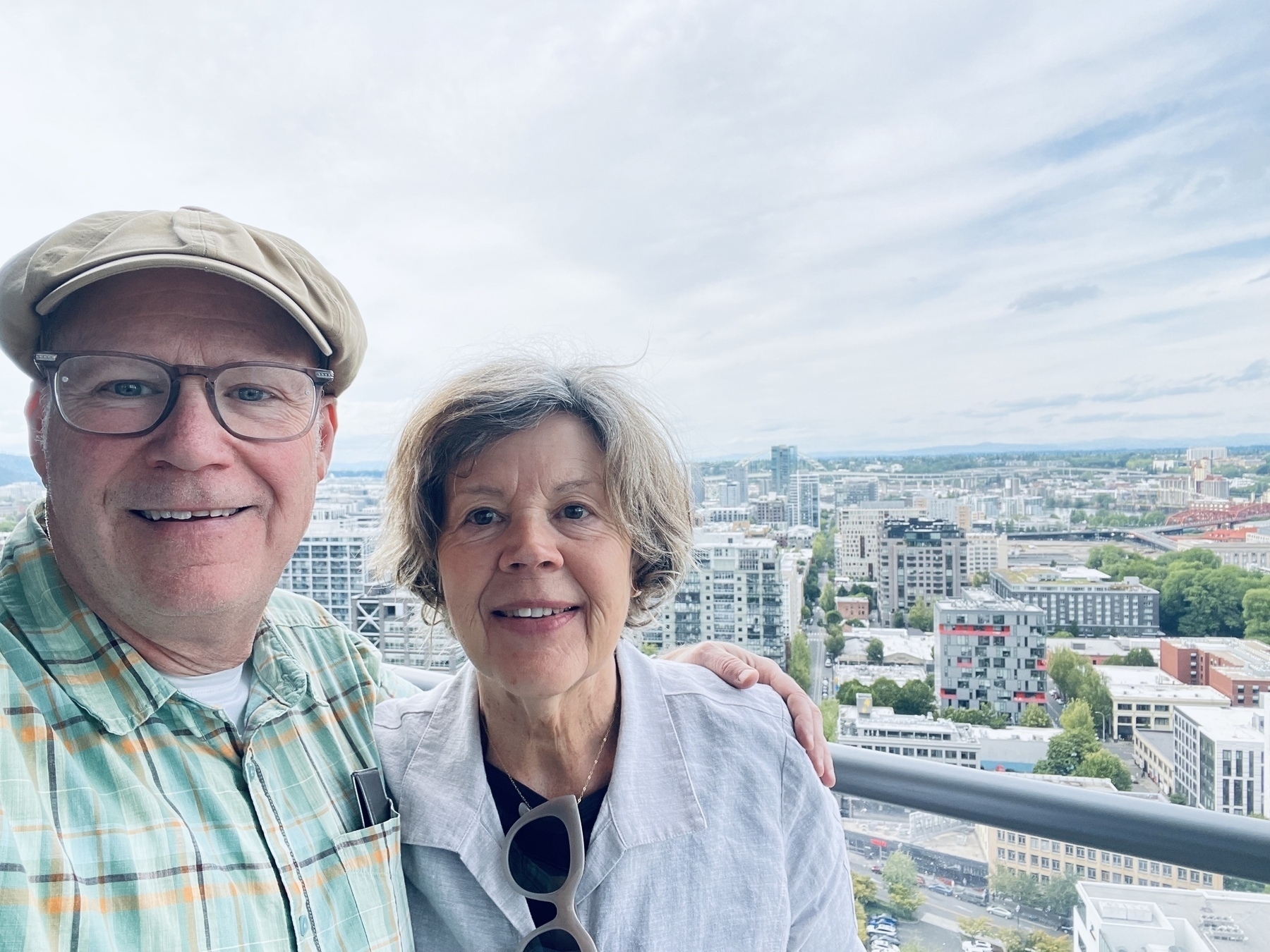
Nice date walk to the Ritz Carlton Bellpine bar with Mary Ann.
-
Right on KEXP! Following up “Going Underground” with “I Wanna Be Sedated”
-
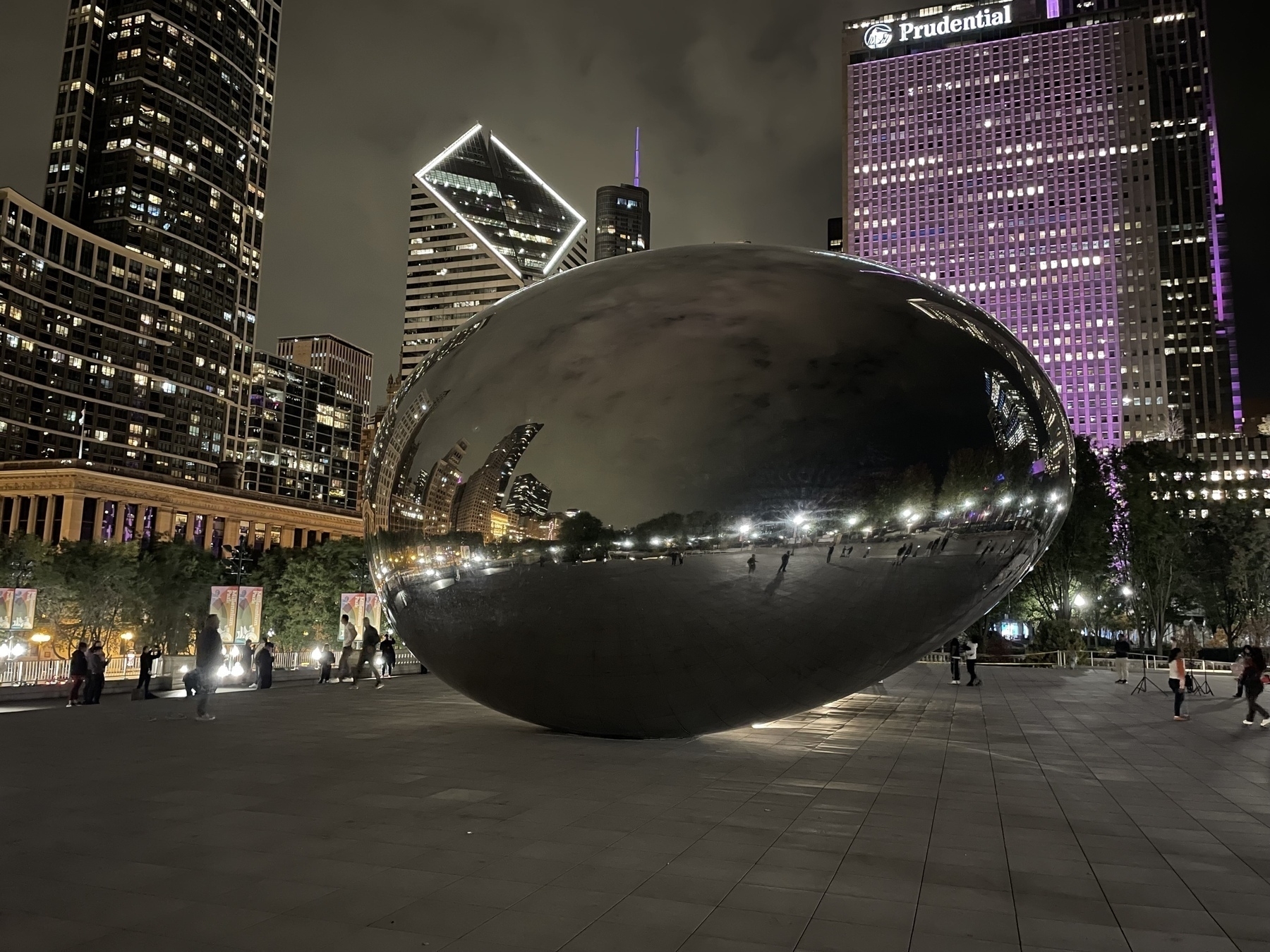
The Space Egg has landed
-
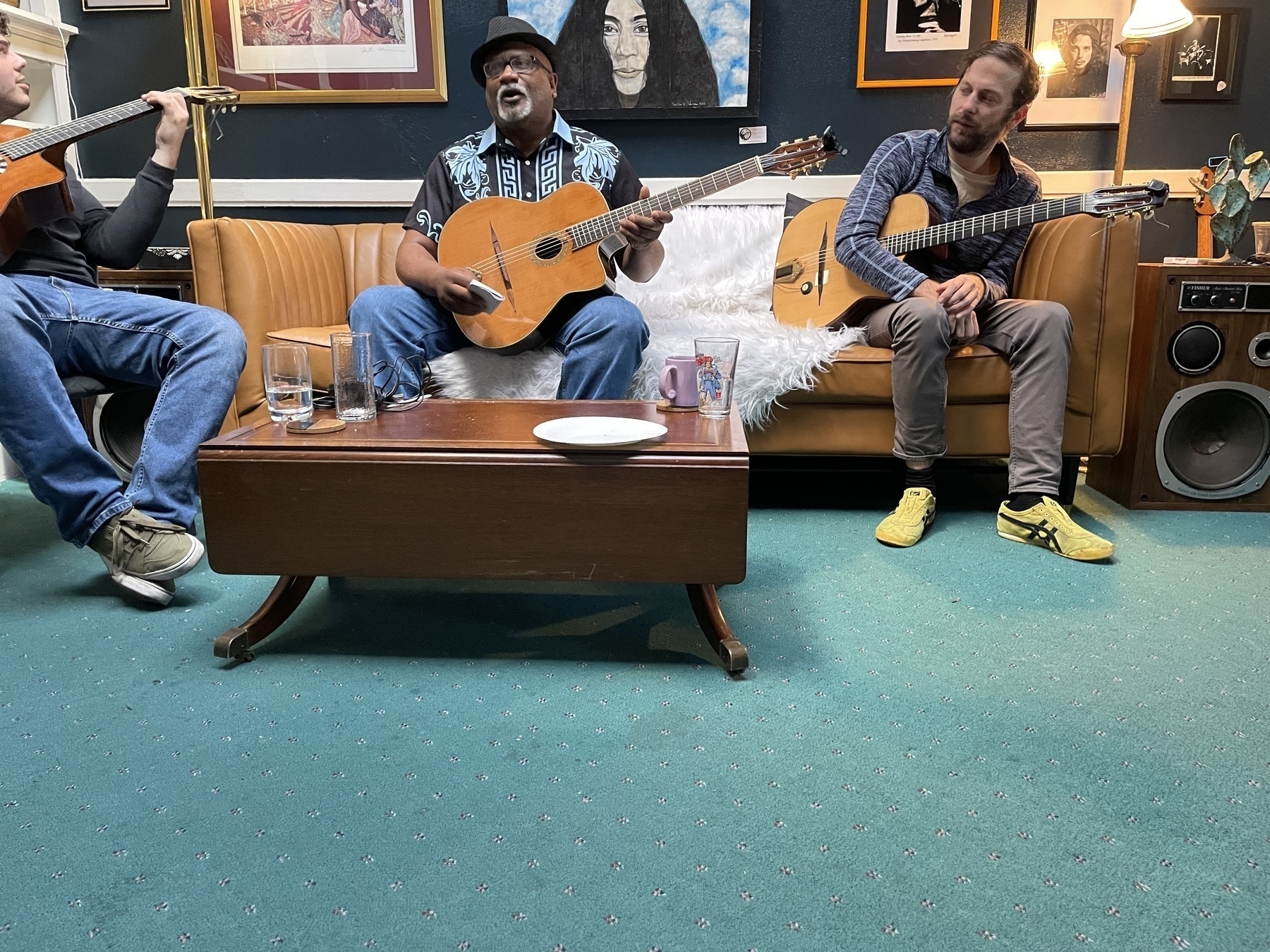
Short Bus (aka Winston) on the Talk Show couch at Camp Django with our hosts Jimmy Grant and Sam Farthing.
“Here’s the first of my last two questions”
-
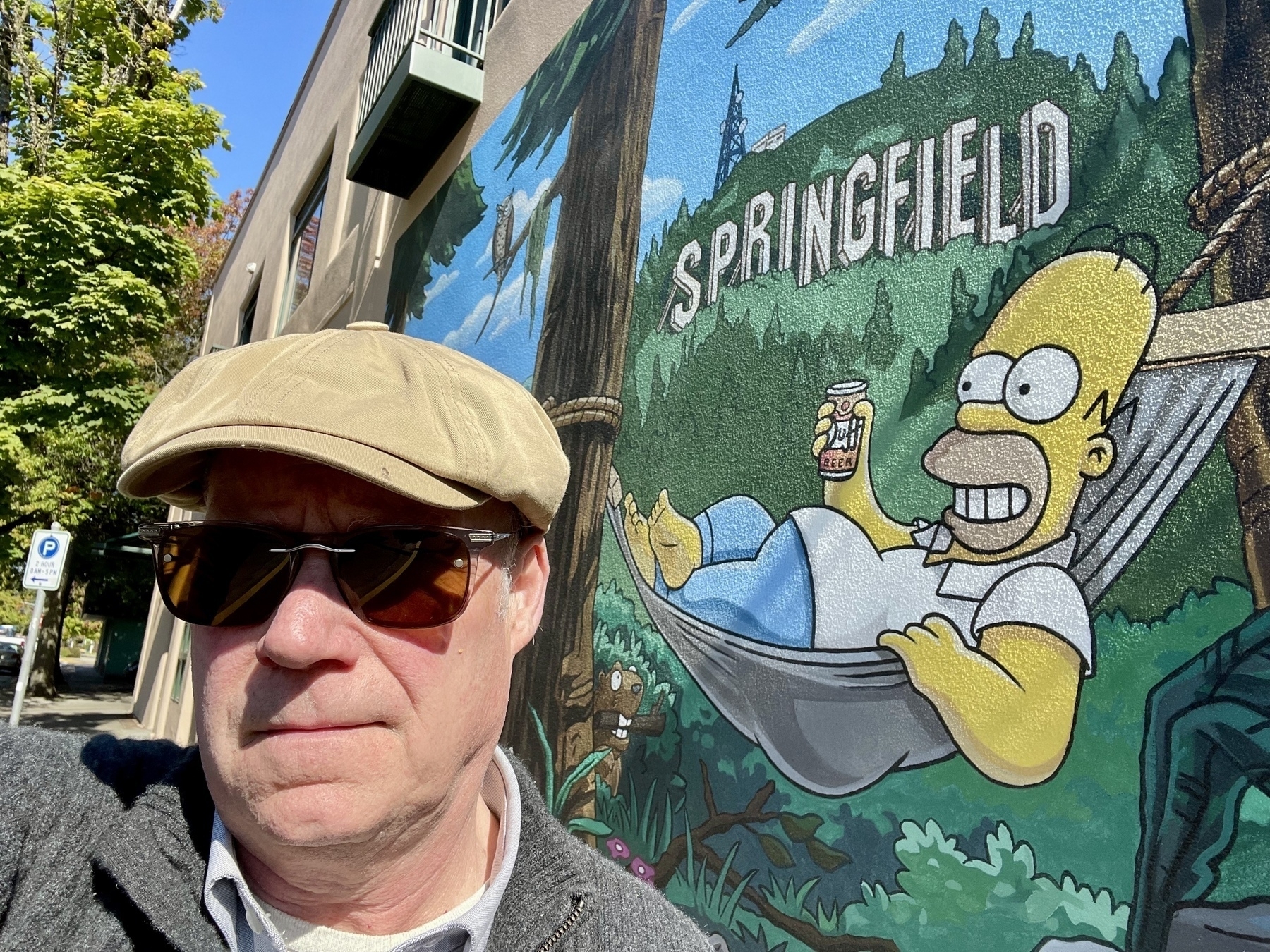
Drove through Springfield on my way to Camp Django in Ashland.
-
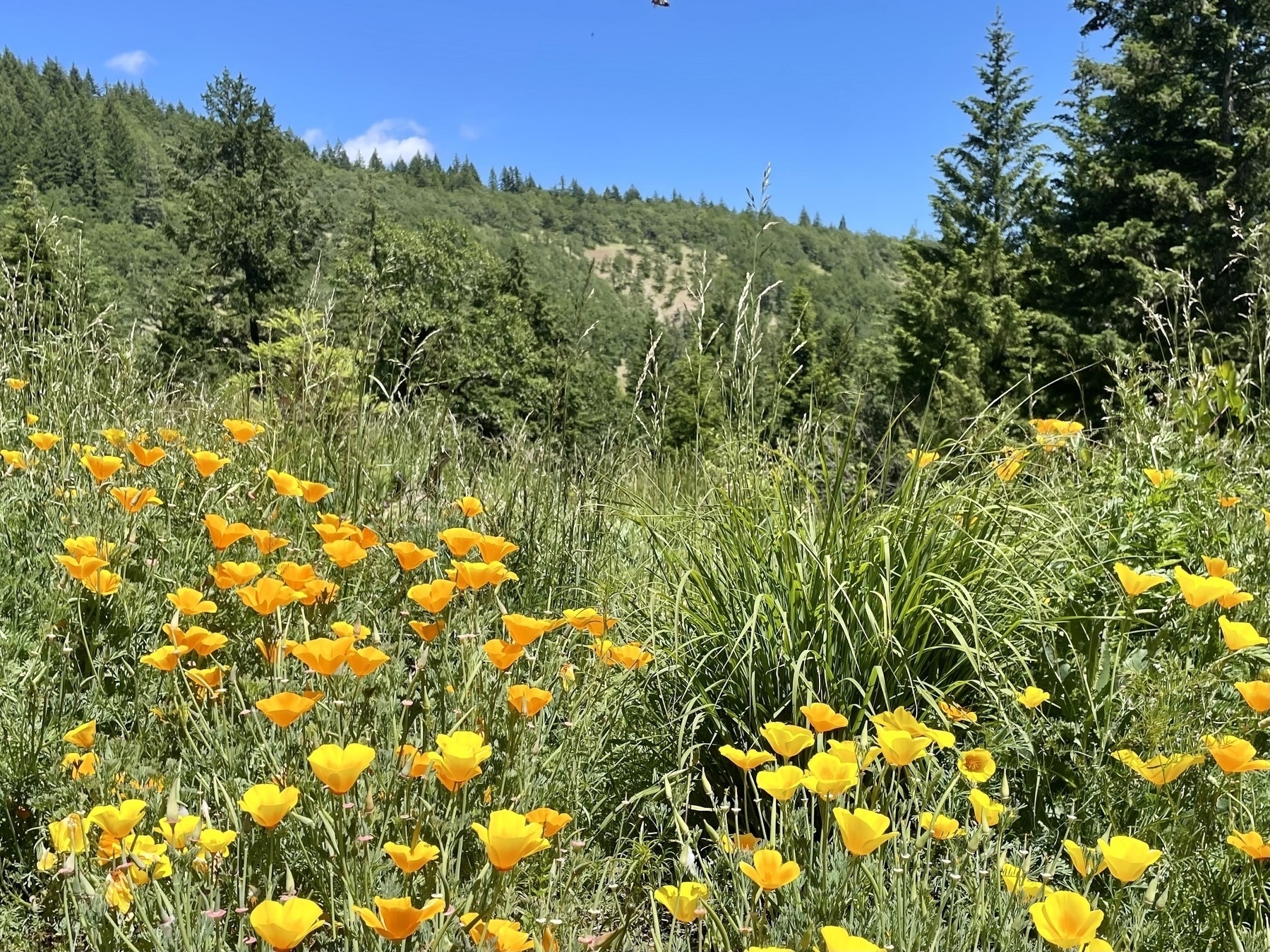
Test photo posting. White Salmon, Nestor Peak
-
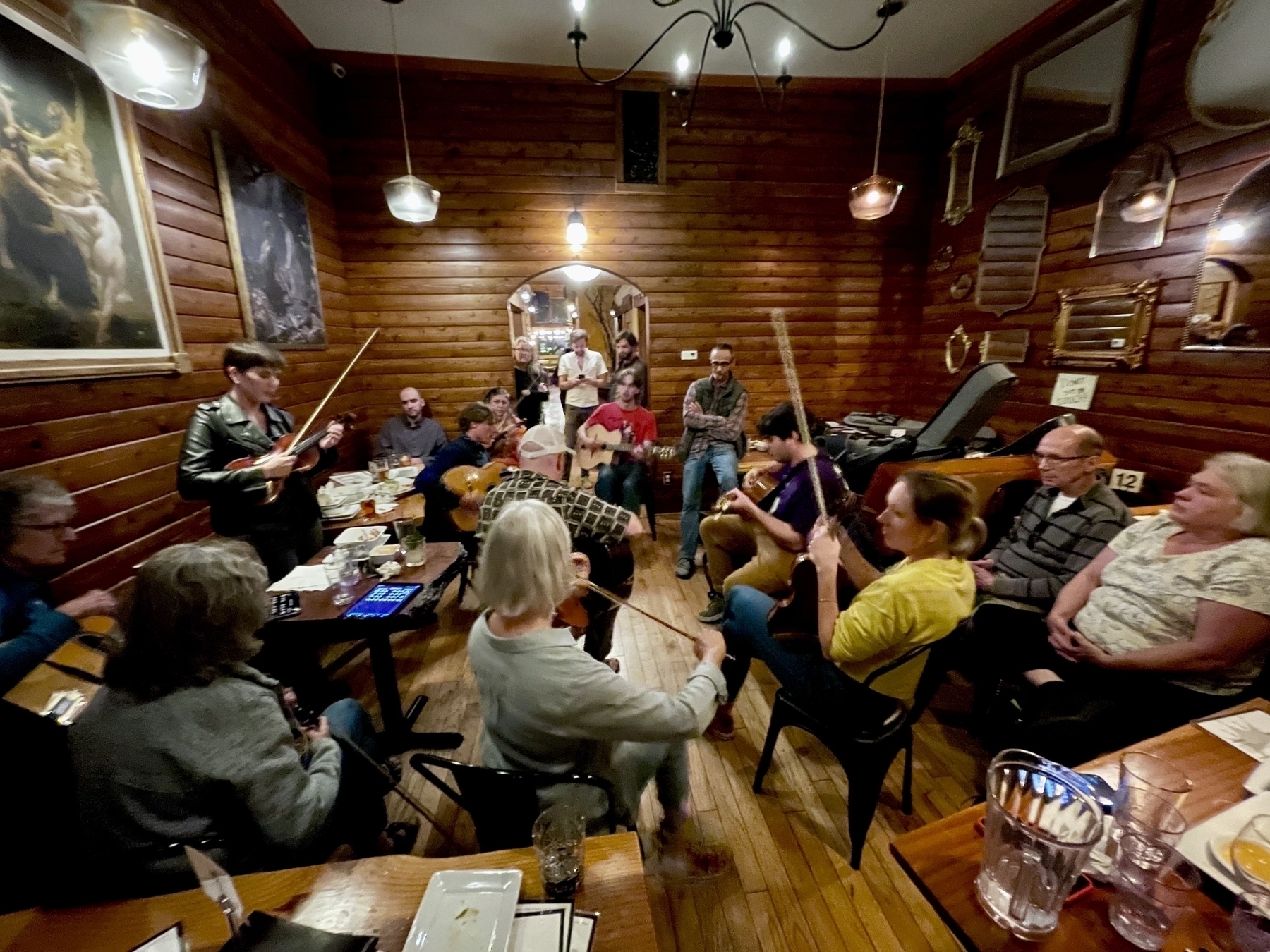
Starting to explore micro.blog capabilities. Hooking it up to github archiving, emacs plug-ins, etc.
subscribe via RSS